 |
|
|
|
|
Important: Reserved Audio Conference Scheduling Is MovingThank you for using AT&T Teleconferencing Services. Effective November 1st, 2026, the scheduling process for reserved audio conferencing events will move to AT&T Event Conferencing. To schedule your next conference, please use one of the following options: - Visit AT&T Event Conferencing to schedule a reserved audio conference.
- Email customersuccess@intellor.com with your name, callback number, conference date and time, and number of participants. An agent will contact you to confirm your requirements.
- For on-demand reserved audio conferencing, call (888) 858-9002 to speak with an agent.
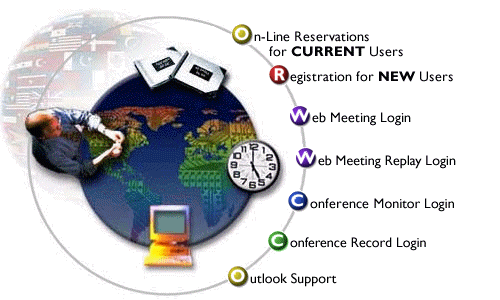
For Reservationless Service, please continue to use the existing AT&T Teleconference Internet Reservation System (IRES) portal. Login to your Corporate Account.
|
Use the Internet Reservation System to create your one-time,
recurring, and demand Dial-In reservations. As an added benefit you can email all your
participants' complete dial-in information right from the online system. The Internet
Reservation System will collect your information and provide an instant confirmation.
When you're done scheduling, just enter the teleconference participant's email Ids and
send. It's simple!
If you initiated the Conference Record feature during your Reservationless Audio Dial In conference, access the Conference Record website to order recording services. Among the activities you can perform at the website are: administering the Digitized Replay of your recording; viewing instructions for accessing the Digitized Replay; sending an email invitation to parties who may be interested in listening to the Digitized Replay; ordering a report that contains information about callers that have listened to the Digitized Replay; ordering cassette, audio CD or .wav CD copies of your recording; and, ordering a transcribed copy of your recording.
|
|



